






It’s not hard to see why free digital signage solutions are so popular. These platforms offer a zero-cost method of putting very small deployments on almost any screen. That way, you can test different TVs, test various types of content, and otherwise build out your proof of concept before committing to any single platform.
But the problem is that most free digital signage software isn’t designed to scale alongside your business. This can cost thousands in terms of time, labor, and headaches. And in exchange for a ‘free’ price tag, that effort isn’t always worth it.
No need to take our word for it, though. You be the judge.
Below is a breakdown of the benefits and drawbacks of ‘free’ digital signage software. That way, you can compare its pros, cons, and opportunity costs, then examine why paid signage software is often cheaper.
Types of free digital signage software
Considering there are all different kinds of digital signage software out there, it would help to narrow down which kinds we’re referring to here.
The ‘free’ digital signage software we’re exploring in this guide includes:
- Open-source signage software. This is usually a type of browser-based API that lets you configure simple signage workflows. Keep in mind you’re usually required to have a great deal of coding knowledge, and customization may require a great deal of labor. Display Monkey is one of the most popular examples of these.
- Consumer casting tools. These include players like the Chromecast, the Google TV Streamer, and the Amazon Fire Stick. Yes, the players themselves often require money, but you can potentially get around this by repurposing personal use items or looking for freebies online. Note this does not include prosumer tools like a Raspberry Pi, which can help you display content with a content management system.
- Repurposed media player apps. Looking at you, PowerPoint and Google Slides. These weren’t expressly designed for digital signage, but can potentially broadcast announcements, short dynamic animations, and very small playlists. But again, they come with a long list of limitations. They’re also quite limited compared to professional digital signage solutions.
Keep in mind we’re not necessarily including free tiers of paid platforms on this list. These are very similar to demos or trials and typically aren’t ‘free forever’ like many of these other options. So while they don’t necessarily substitute for paid signage, they’re also not ‘free’ long enough for you to set up any deployment longer than a few days or weeks.
The pros and cons of free digital signage software
Free digital signage software is definitely easier on your wallet. But is it really all it’s cracked up to be? Especially when considering the hidden costs?
Let’s break it down by its benefits and drawbacks:
The benefits
We’ll start with everything ‘good’ about free digital signage software:
1. Zero-cost tools
The biggest benefit of free software is just that: it’s free. You won’t spend any money per screen to set up content.
This allows you to communicate via signage with:
- A TV in the office
- A dashboard on a wall
- A screen in your waiting room
Keep in mind that this zero-dollar price tag might still catch up to you in the future. Further down the line, when you need better signage maintenance, reliability, and capabilities, you may have to pay the piper by migrating or upgrading.
2. Low barrier to entry
You can get started with free digital signage software at virtually any time. It’s also relatively simple and easy to use — there’s a very good chance you’ve used the interface before, likely for personal use.
There may also be a less difficult learning curve, which is useful if you just want to get up and running quickly. But keep in mind this may mean there are fewer features. This isn’t ideal if you want to scale your signage in the future.
3. Risk-free testing
Trying to get buy-in for digital signage? A freebie option may be just the place to start. This provides you with all the basics you need to get going — think the ability to upload images or display web content on multiple devices — without needing to worry about adding users or managers. And of course, no need to stress about getting locked into a contract.
Freebie solutions are also rarely locked into proprietary tools, so you’re able to use your own hardware. That means you can set up digital displays using any media player, on any iOS or Android device, without stressing about migrating to a different set of screens or displays yet.
But just because most freebie signage solutions work on any OS doesn’t mean they all do. And if you don’t have any hardware to begin with, this isn’t much of a savings. You’ll still have to purchase hardware (like players and screens) before getting started.
The drawbacks
Free digital signage software certainly has its merits, but as you may suspect, it’s a bit too good to be true. Odds are, you’ll spend more money dealing with a ‘freebie’ than working with a paid version of the best digital signage solution.
Here are four hidden reasons why free digital signage software isn’t really free:
1. Substantial feature limitations
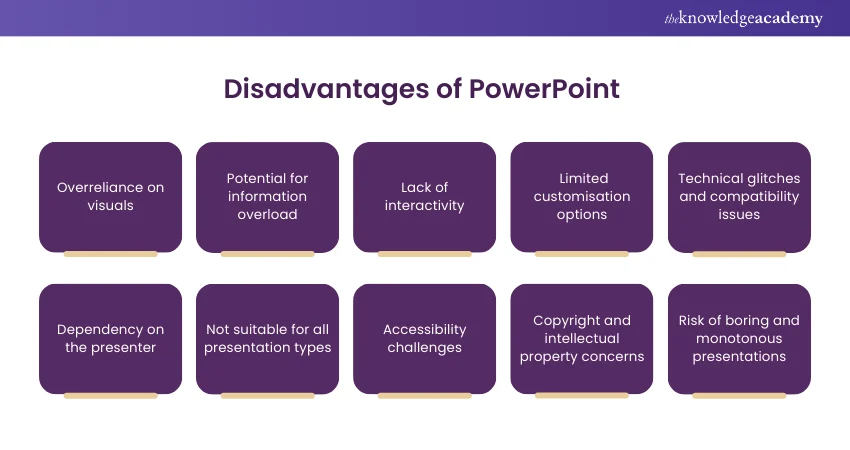
Free plans almost always restrict the tools businesses need for more professional-looking digital signage.
Some of the most common limitations include:
- Screen limits
- Basic playlists only
- Limited signage integrations
- No dashboards or data widgets
- Restricted scheduling features
Other key signage features, like offline playback, content scheduling, and analytics, will either require a paid tier or a separate integration.
That means the more seriously you take your signage strategy, the more you'll feel the ceiling on a free solution (and have to shell out to keep your free digital signage platform running).
2. Manual work and management
Free digital signage software is able to stay free because it requires yourself or your team members to do all the heavy lifting.
Most of the time, you’ll need to work on manually upgrading screens, or managing files across devices. Tools like PowerPoint simply don’t do this automatically.
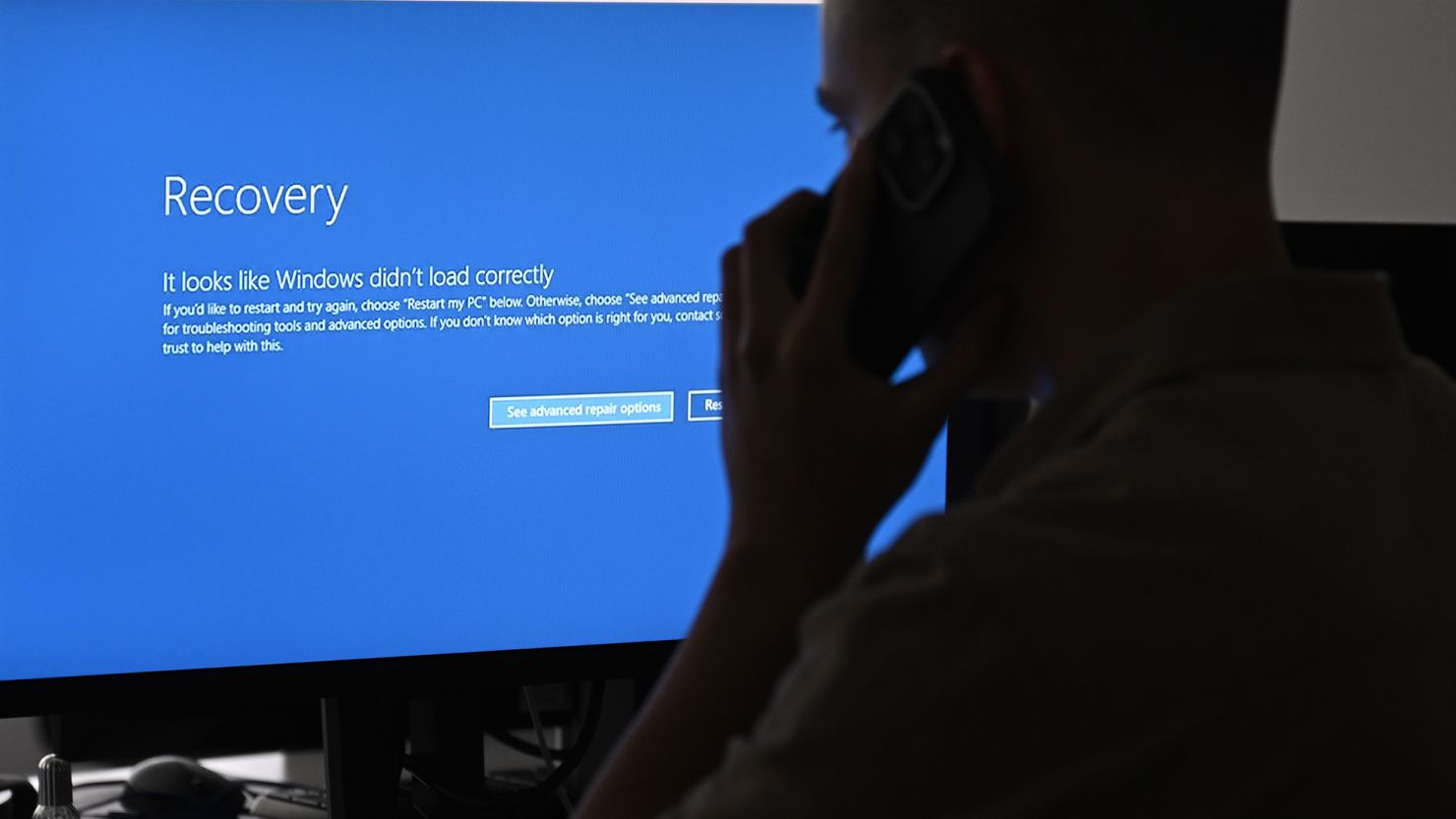
Plus, if something breaks, you’ll need to troubleshoot on your own. There’s no way to monitor multiple screens across your digital signage network.
Perhaps most frustratingly, most free digital signage tools don’t live in the cloud. You’ll need to manually manage each instance at separate locations, computers, and TV screens.
So to summarize: Free digital signage makes content management one of your team members’ side jobs. With such limited (if any) automations and management features, it could be extremely difficult to keep up with all the new tasks required of each additional screen.
3. Low to no access to customer support
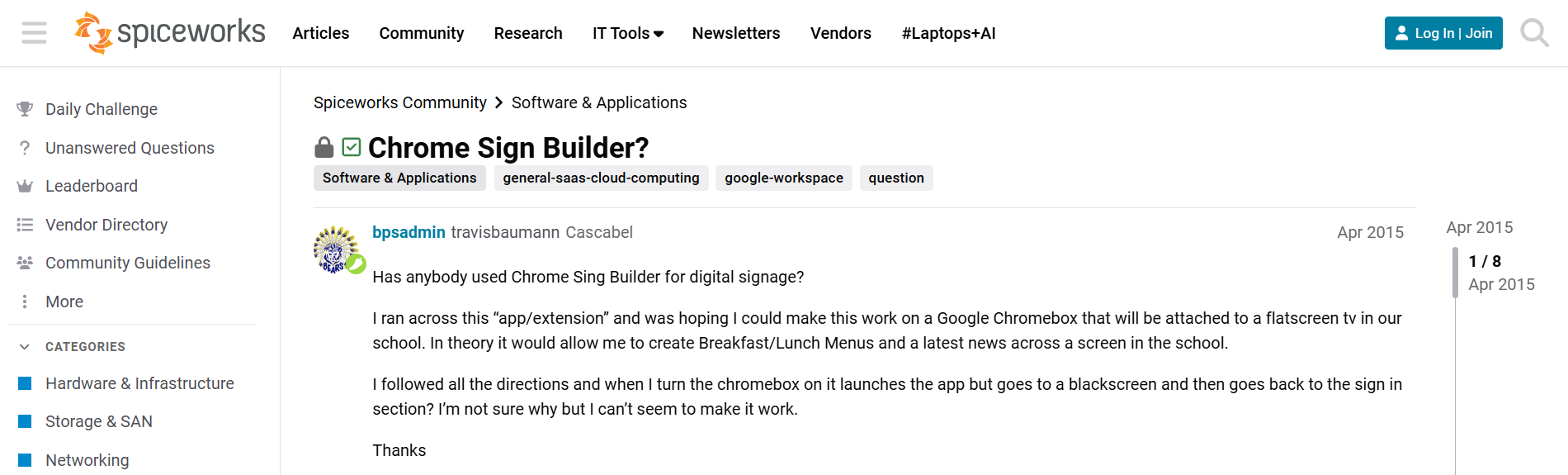
Free digital signage software rarely includes real customer support. This is fairly manageable while testing, but it can quickly become a problem if screens break down in front of customers, employees, or visitors.
You may have to rely on outdated documentation, help forums, or your IT resources to internally troubleshoot:
- Screens going offline
- Devices failing to refresh content
- Authentication problems with embedded TV dashboards
- Compatibility issues after device updates
4. Security and reliability risks
The vast majority of free digital signage software wasn’t designed for business environments. Most free plans, for example, rarely include enterprise-grade security controls like:
- Role-based access
- Single sign-on (SSO)
- SOC 2 Type II certification
- GDPR-ready data handling
- HIPAA support for healthcare environments
- Audit trails for financial services
Without proper security measures like these in place, you’ll have to worry about things like unauthorized content, screen takeovers, content breaches, and data exposure. Now, is that a risk for your breakroom TV screen? Probably not. But for a network of screens showing live data or customer-facing messaging, it becomes very real — and very difficult to reverse once something goes wrong.
Yes, free digital signage software saves a small monthly fee up front. But is it really worth the $200,000 lawsuit from an ADA violation? Or hijacked messages on the Cardiff Billboard?

That’s the Cardiff Billboard, for reference. Yikes.
So: should you buy free vs paid digital signage software?
While free signage software looks pretty cost-effective on the surface, it’s often far more expensive when calculating its limitations over the long haul. Feature limitations and sunk time could cost hundreds in unnecessary workarounds, which can take up far too much of your precious time. Worse, you won’t have access to customer support. Many systems even suffer from major security issues.
That’s why, in the long run, paid digital signage platforms typically save you more money than you spend. Coupled with the lack of security breaches, loss of customer trust, and time spent hunting down lost content, it’s easily a more effective way to run your signage program.
Let’s take a closer look.
The benefits of paid digital signage software
Free digital signage software is easy to say yes to at the start. Because why buy the cow (er, CMS) when the milk is free?
But a fully operational digital signage platform can help save time, money, and effort for your team. It can also help you schedule, manage, and upload content across your entire network rather than a single screen.
Here’s why.
1. Cloud-based screen management
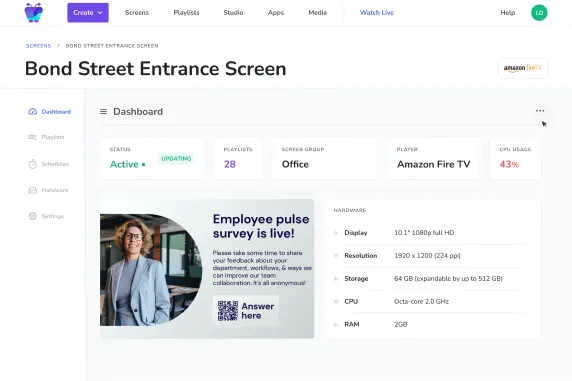
Free digital signage tools typically require device-by-device control. But a cloud-based signage platform connects every screen in your network to a single dashboard. This allows you to update playlists, change layouts, and schedule content remotely across multiple displays, without ever needing physical access.
This is particularly useful if you have screens in tight or awkward places. Or, if they’re mounted in different rooms or locations (including those in other states or countries). Instead of plugging in USB drives or logging into individual devices, you can manage web content updates in one place. Then, the software syncs everything across your network.
No thumbdrives or ladders required.
2. Reliable player apps for devices
Paid digital signage platforms provide dedicated player apps that display content continuously on both consumer and professional displays.
These apps can handle things free signage tools can’t, including:
- Auto-launch on startup
- Reconnecting after network interruptions
- Syncing playlists
None of these may seem like make-or-break features. But they quickly become critical in environments where your screens can’t depend on someone reopening an app or restarting a device.
3. Secure dashboard and data integrations
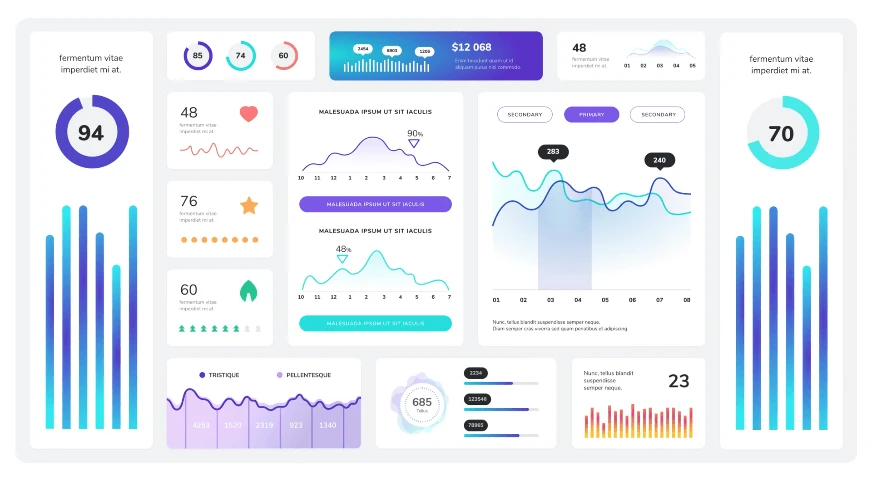
Many digital signage teams eventually want to move beyond static screenshots of in-house data. But dynamic content like live dashboards, on-prem data, and digital signage integrations require more than just slideshow content (at least, if you want them to be actionable).
Paid platforms can help you design TV dashboards with tools like authentication, login persistence, and near-real-time refreshes. That way, you can keep data visible and up to date without worrying about screens going blank, logging out, or showing outdated information.
4. Scheduling and automation features
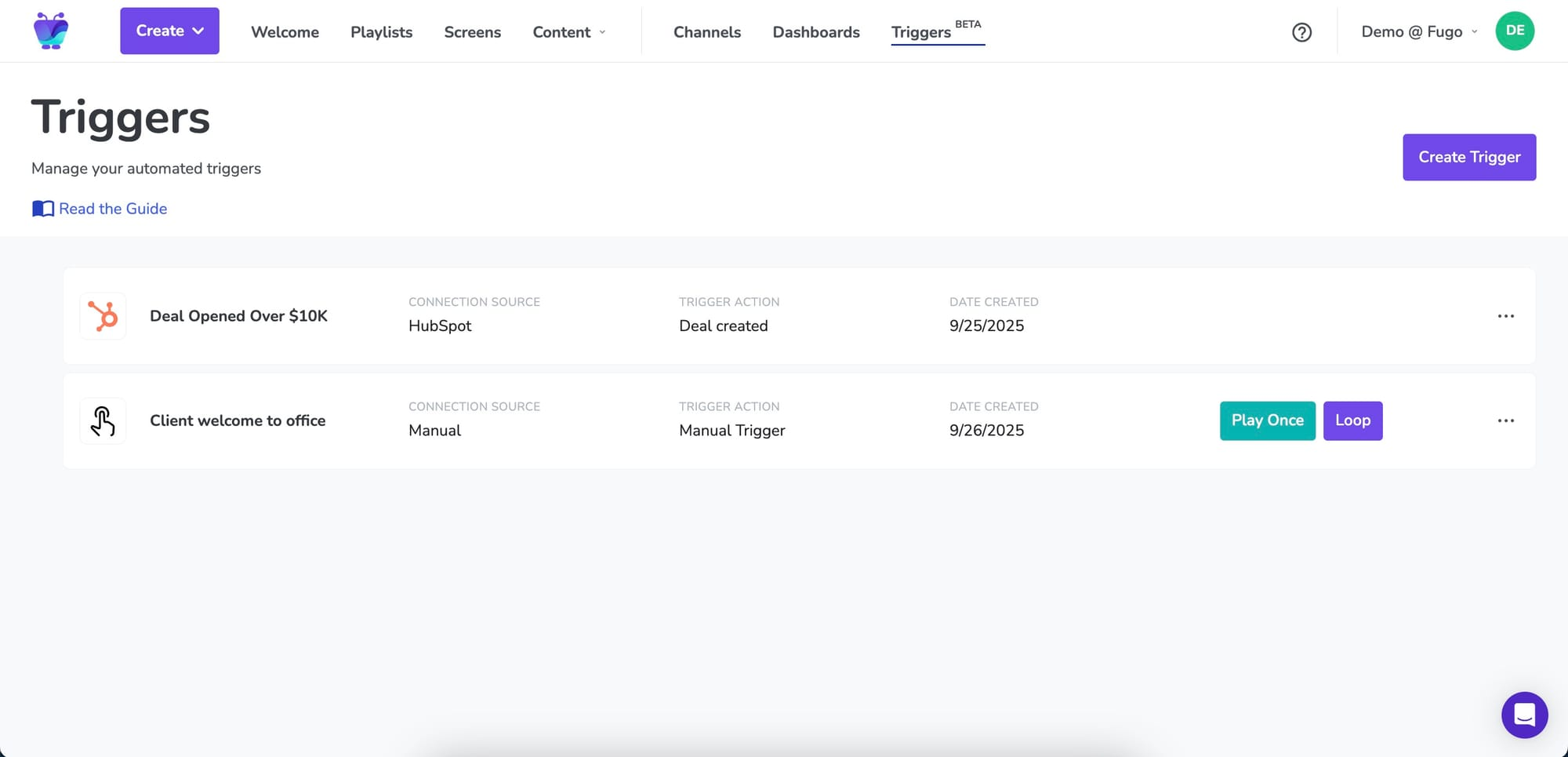
Free digital signage tools can create basic playlists without much issue. But they can rarely help with controlling when and where that content appears.
The best digital signage software will introduce structure through scheduling and automation. You can assign different content to specific screens, locations, or times of day without manually updating each device.
That means you can schedule content to go out according to different triggers, like:
- During business hours vs after hours
- Across locations or departments
- For special dates, like events, promotions, or holidays
Automations can also handle these transitions on your behalf. Instead of someone on your team remembering to update each screen, the system does it for you based on rules you’ve already established.
5. Fast and responsive customer support
Free tools don’t usually offer support beyond documentation or community forums. That isn’t usually a problem during testing, or if you already have in-house IT resources. But what happens if something breaks and you need your screens operational again quickly?
Paid platforms provide direct support channels, whether that’s live chat, email, or onboarding assistance. They can also assist with custom signage deployments, like speciality TV dashboards, digital signage integrations, large-scale screen rollouts, close deployment support, or custom development work with unique systems.
More importantly, your support team understands its product and the environments it runs in. You can ask questions and get answers directly from their team. Plus, they can even add feature requests to their roadmap (if they offer one).
6. Reliable screen uptime
There’s no guarantee that your ‘free’ setup will work — or even keep working for that matter. Look at tools like Chrome Sign Builder, for example. It’s slowly getting sunsetted over the course of several years.
You can avoid this by focusing on paid signage platforms with built-in defenses against downtime and network disruptions. Plus, cloud signage creates backups so you don’t lose content in the event of a local emergency (i.e., a flood, or a stolen USB drive, and so on).
You also don’t have to worry about OS updates permanently breaking your free workaround tool, or waiting on open-source developers to do the heavy lifting for you. Your monthly fee includes predictable uptime, security features, and the promise that the platform will stick around.
7. Built-in monitoring and troubleshooting tools
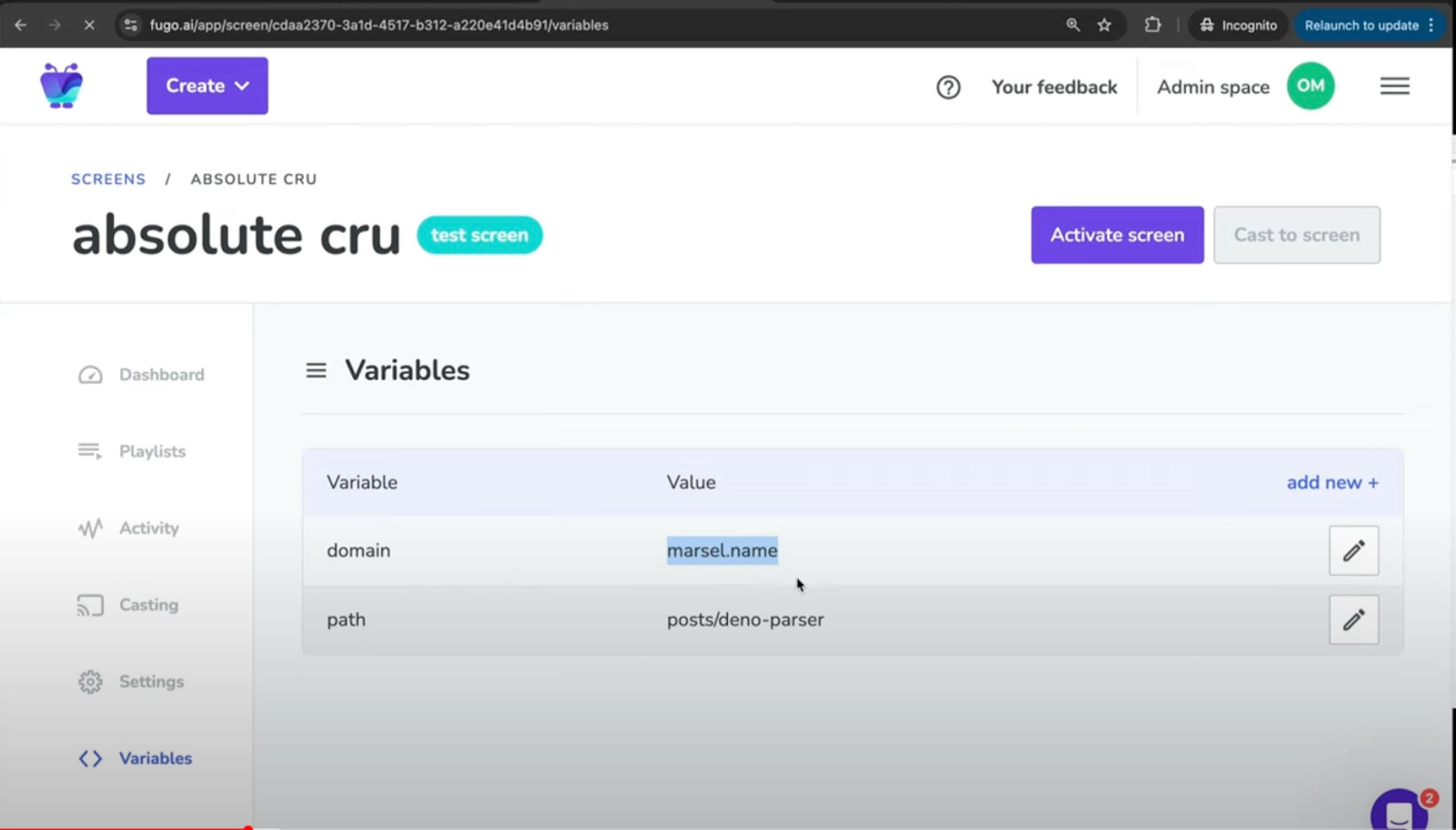
Unlike the vast majority of free digital signage content, paid platforms can help you easily look into the status of each screen. This allows you to quickly check:
- Which screens are online or offline
- When a player device last ran
- Whether content is playing as expected
Some platforms also provide basic troubleshooting tools, which make it easier to remotely reconnect devices, restart players, or diagnose common issues.
So, are free digital signage software tools worth it?
Free tools can work well for personal or hobby projects, or if you’re a microbusiness wanting to put one piece of content on a single screen. In a business context, they could even be useful for testing digital signage ideas. You could potentially even create temporary displays for pop-ups and other events.
But once you scale beyond one TV, you’ll likely need to consider more professional options. This is also the case if you need better performance, want to play videos, or create more complicated signage flows (like for kiosks or touchscreens, for example).
Remember: just because your signage software is free doesn’t necessarily mean it’s ‘good’ or even ‘useful.’ The question is whether it saves you time, runs reliably, and can help you get more done without causing a train wreck in your systems.
You can learn more about some of the best paid signage software here.
Frequently asked questions about free digital signage software
Q: What are some examples of low-cost digital signage tools?
The best digital signage software that runs at a low cost is Fugo. Prices start at $20 per screen per month for services like playlists, remote management, triggered content, automations, integrations, and more.
Low-cost hardware to use alongside this software includes:
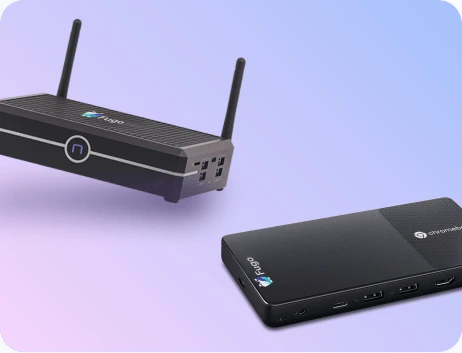
- The Amazon Signage Stick
- The Fugo Flash
- The Fugo NUC
Q: What free digital signage software should I avoid?
For more growing businesses, it’s best to avoid tools that can’t scale, like:
- Chrome Sign Builder (as it’s currently getting phased out)
- Open-source tools like Display Monkey
- Secondhand devices, like the Amazon Fire Stick
- A free package of slideshow technology, like Slides or PowerPoint
Q: What businesses can use free digital signage software?
Free digital signage software can technically work for any business. The issue comes from scaling up: these tools aren’t designed to grow alongside your business. Once you have multiple screens to manage, or multiple types of digital signage content to run, free digital signage solutions will no longer work for medium to large:
- Restaurants
- Warehouses
- Professional organizations
- Schools
- Retail spaces

