
Retail digital signage for promotions, pricing, and in-store information
Run promotions, product information, and store messaging across every location. Keep content consistent from HQ, and publish local updates without waiting on an IT ticket.
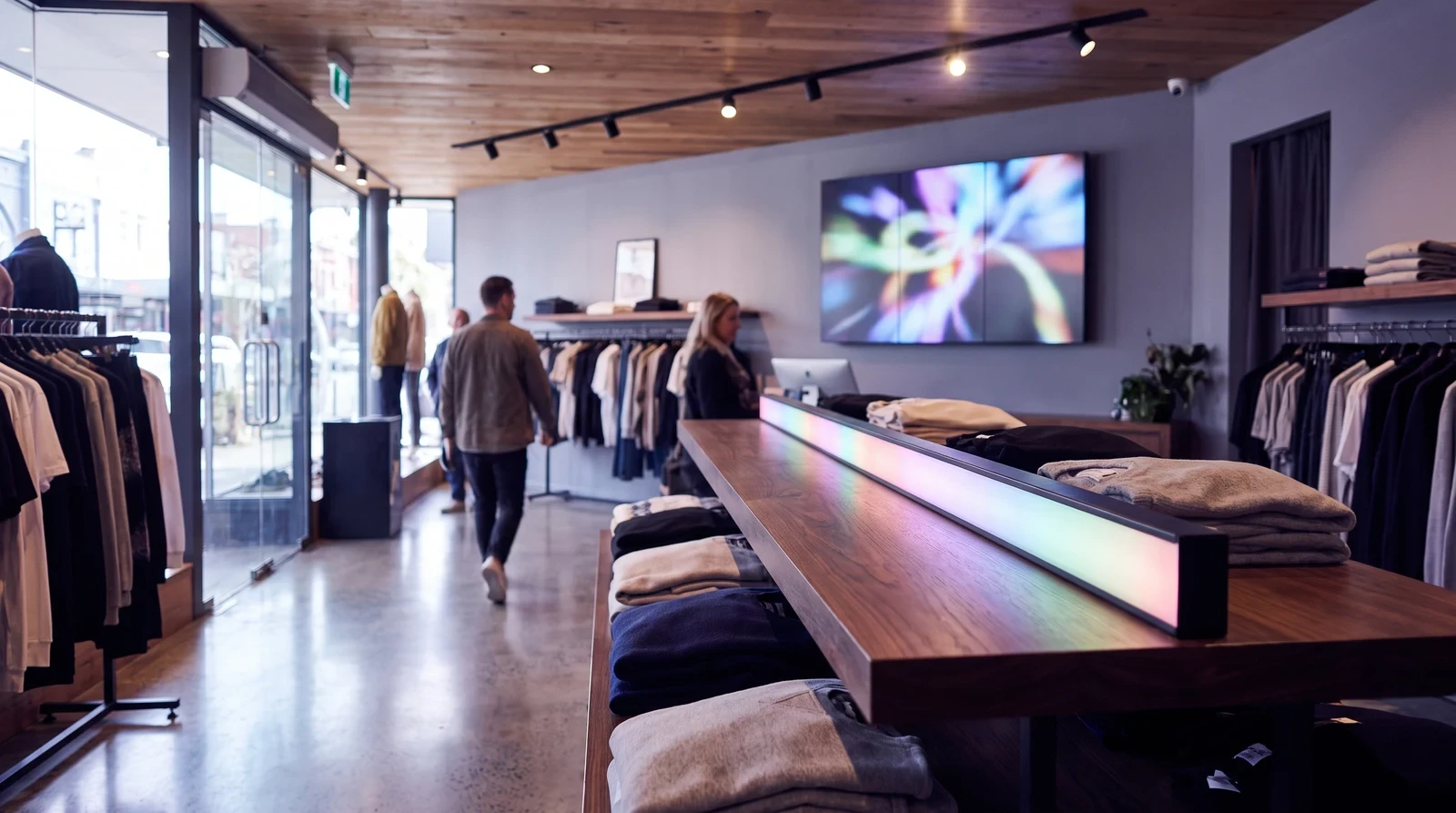
Common retail screen setups
Retail signage isn't one size fits all. Fugo gives you the flexibility to run different content on every screen type while managing everything from one place.
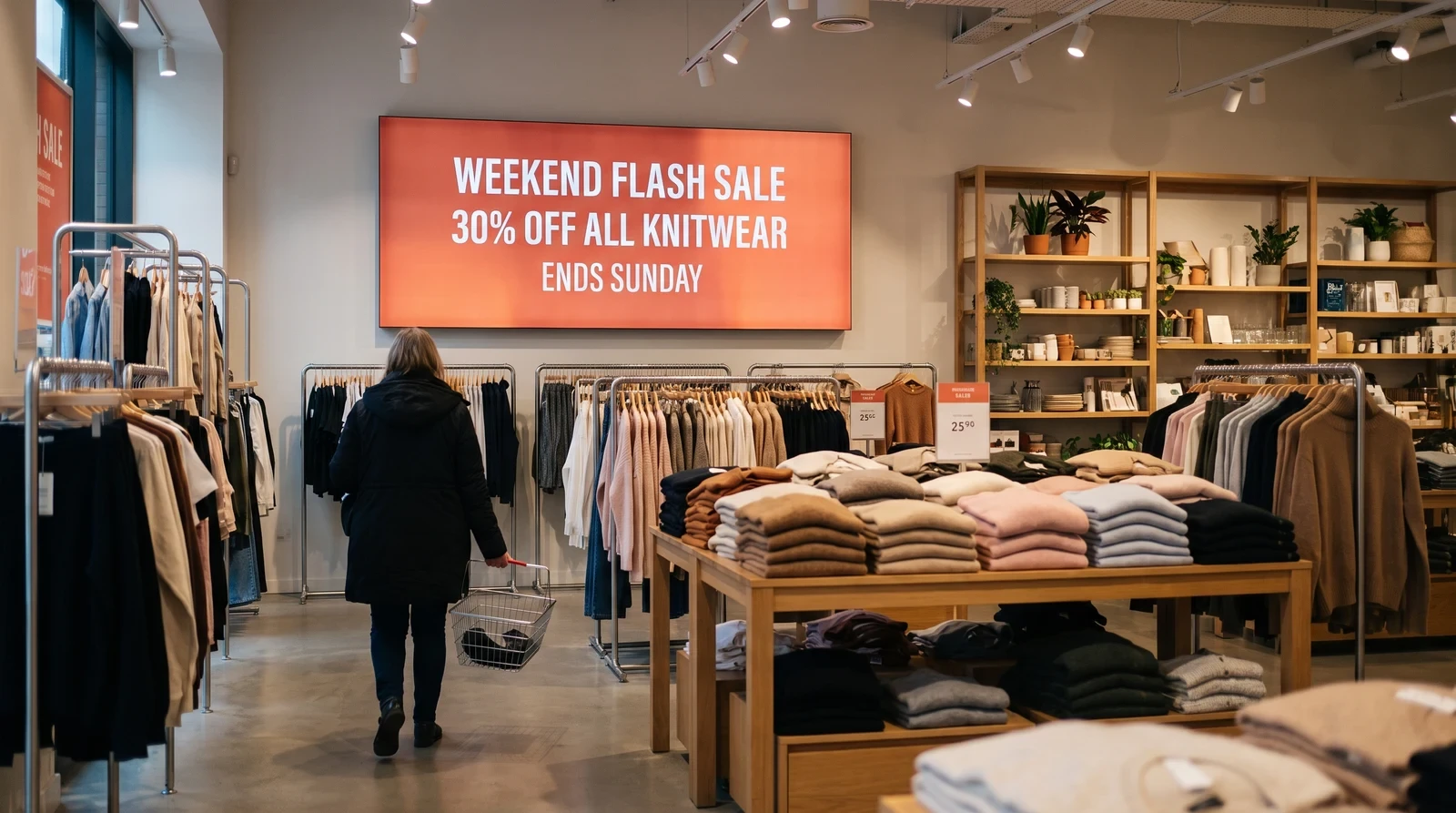
Publish offers across locations
Whether it's a weekend flash sale or a seasonal clearance event, Fugo lets you push promotional content to every screen in your network simultaneously. Schedule promotions to go live and expire automatically, so staff never have to remember to update signage at the end of a sale period.
Retail workflows that scale beyond one store
Fugo understands that retail moves fast. The platform is designed for marketers and store managers who need to make changes quickly — not developers or IT teams.
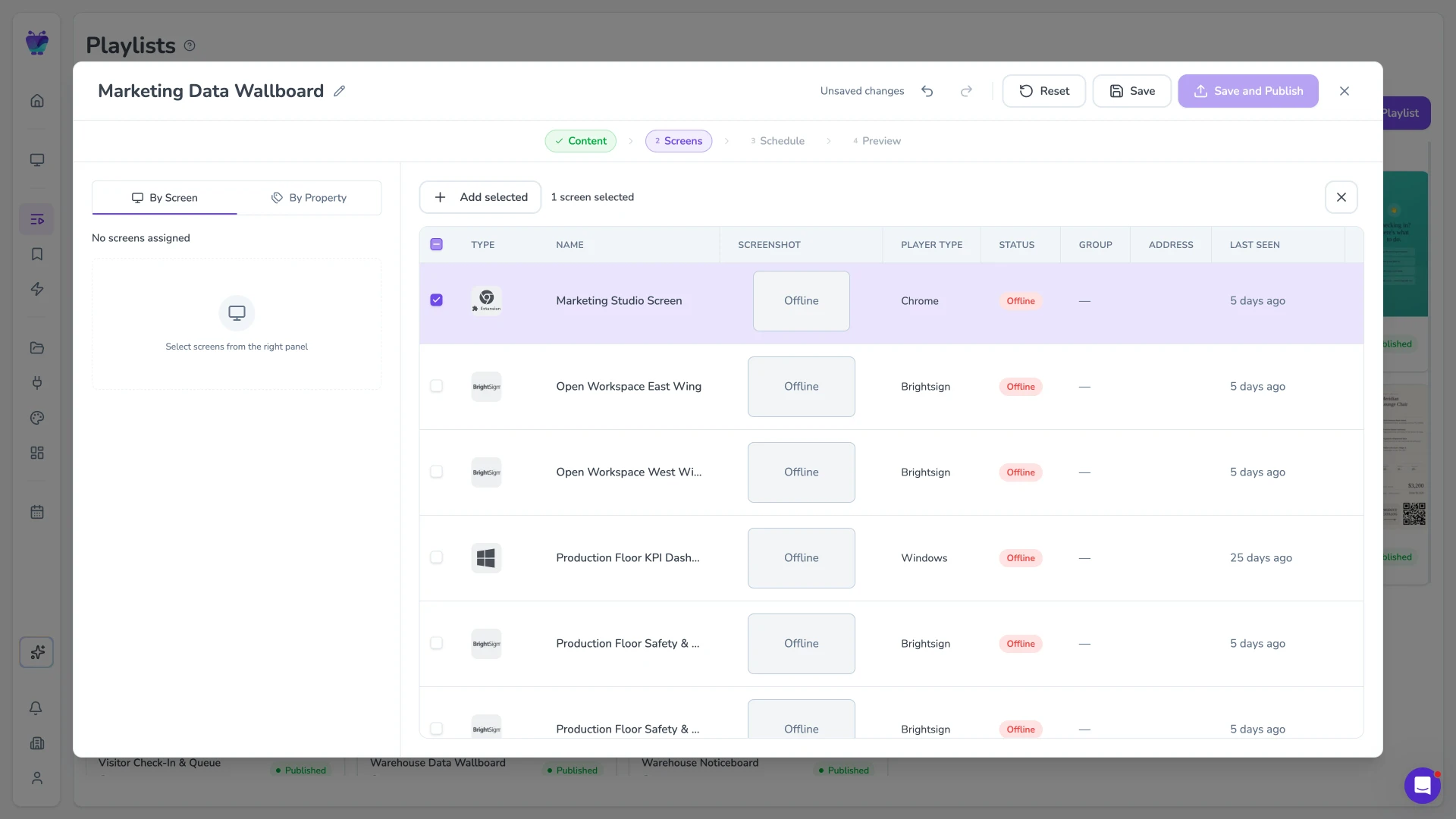
Multi-location publishing and approvals
Manage content for hundreds of stores from a single dashboard. Assign content to individual stores, store clusters, or your entire network simultaneously. Regional managers get their own access to update local promotions without interfering with national campaigns.
- National and regional content streams
- Store-level content overrides
- Bulk schedule updates across locations
- Per-store performance analytics
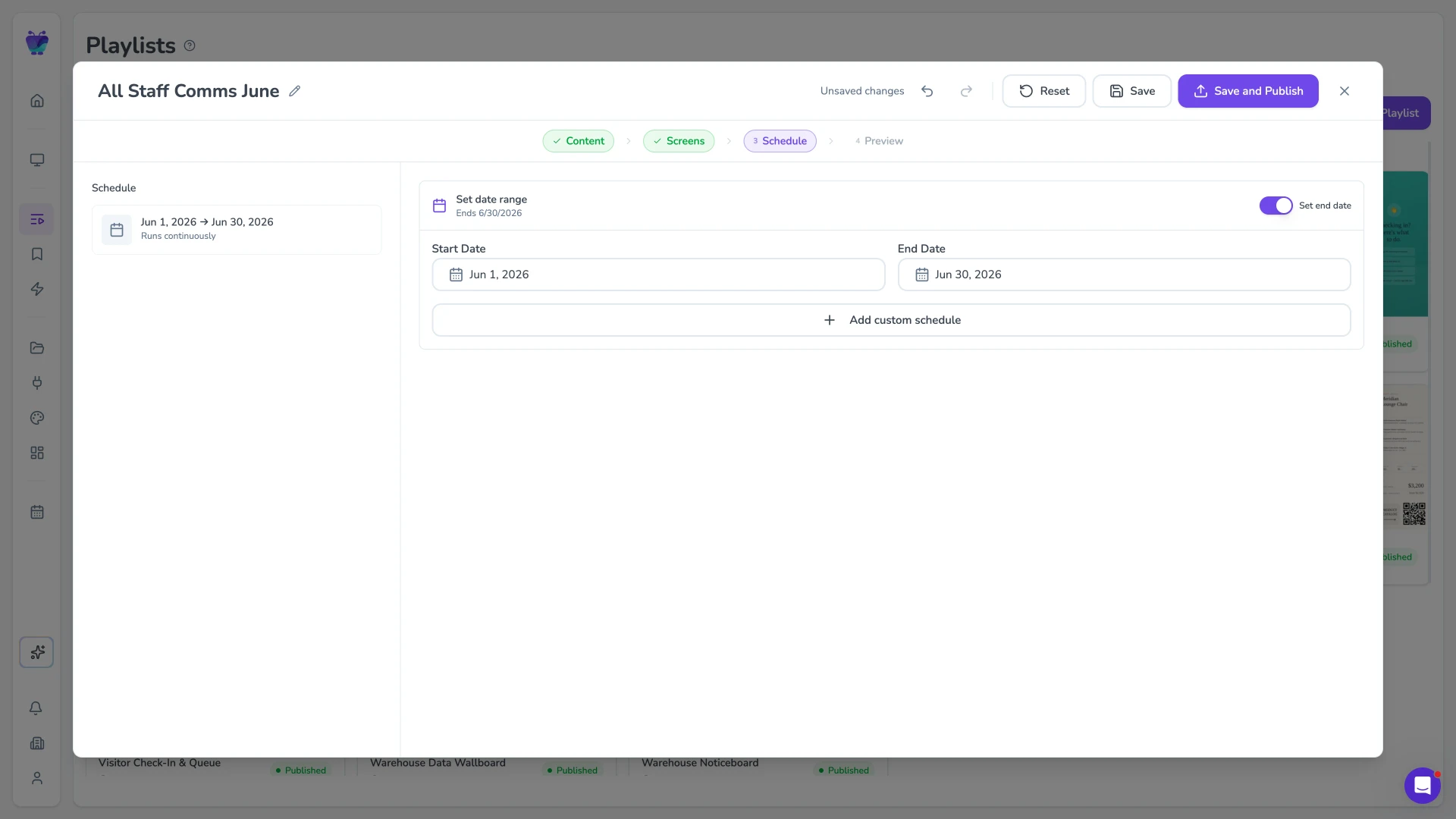
Scheduling for dayparting and campaigns
Connect Fugo to your POS or inventory management system to display real-time pricing and stock levels on shelf-edge screens. When a product sells out or a price changes in your system, the screen updates automatically.
- POS system connectivity via API
- Real-time price and stock updates
- Low-stock alert overlays
- Automated 'sold out' content switching
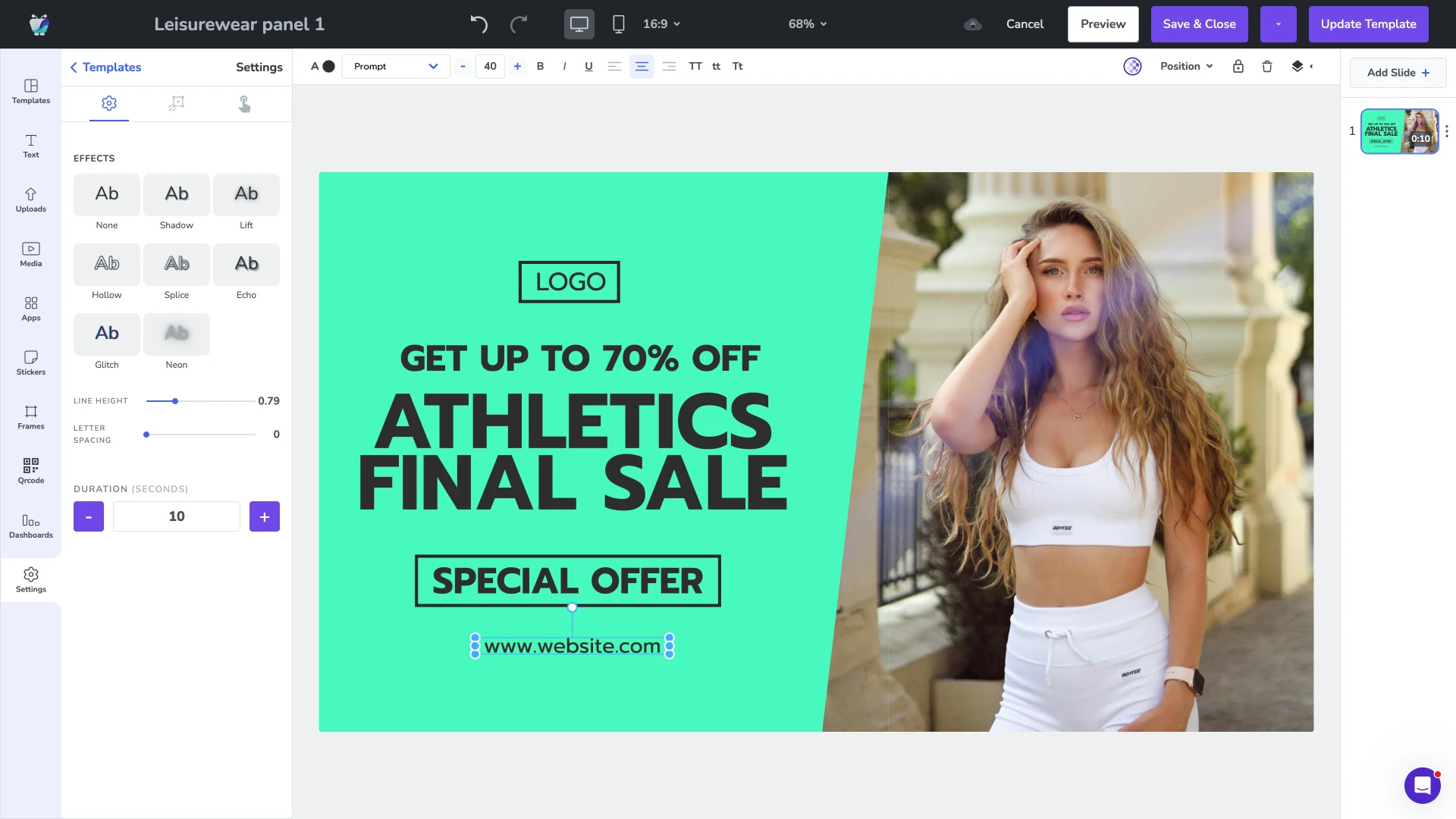
Templates and repeatable layouts
Schedule promotions to appear at specific times of day, on specific days of the week, or during defined campaign windows. Dayparting lets breakfast offers appear in the morning, lunch specials at midday, and end-of-day deals in the afternoon — all without any manual intervention.
- Time-of-day content rules
- Day-of-week scheduling
- Campaign start and end dates
- Auto-expiry so old promotions never display
New campaign content, live across every aisle
Fugo connects to the creative platforms and asset libraries your marketing team already uses, so in-store screens reflect the latest campaign content without a manual update at each location.

Google slides
Business
Google Slides
PosterMyWall
Business
PosterMyWall

Canto
Business
Sync Canto collections to screens for dynamic, auto-updating displays
Google drive
Business
Google Drive
Fugo social wall
Social
Create a custom live social media wall for your screens!

Walls.io
Social
Walls.io
QR code
Business
QR Code

YouTube
Featured
YouTube App
Retail digital signage FAQs
Everything you need to know before deploying digital signage across your retail locations.