
Office digital signage software
Office digital signage turns workplace TVs into a live channel for company news, team dashboards, meeting-room status and welcome screens. With Fugo you manage every screen from one dashboard, schedule what shows where, and run it on the hardware you already own.
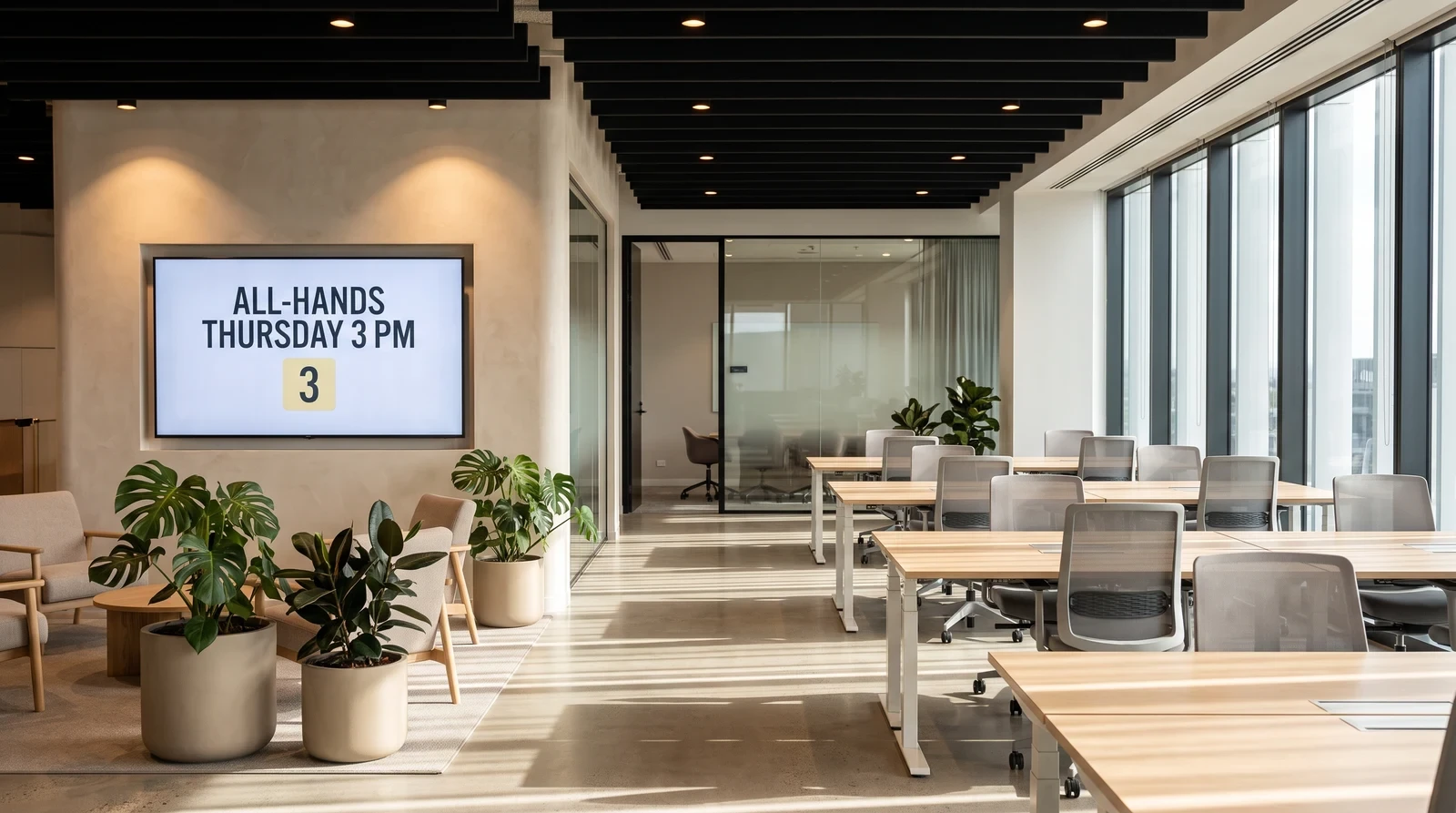
Common office screen setups
Office signage isn't one size fits all. Fugo gives you the flexibility to run the right content on every screen type while managing everything from one place.
Publish internal updates
Replace email blasts and printed noticeboards with dynamic screens that display company news, HR announcements, policy updates, and team shoutouts in real time. Fugo's role-based permissions let HR and comms teams push content to all office screens independently, without needing IT support.
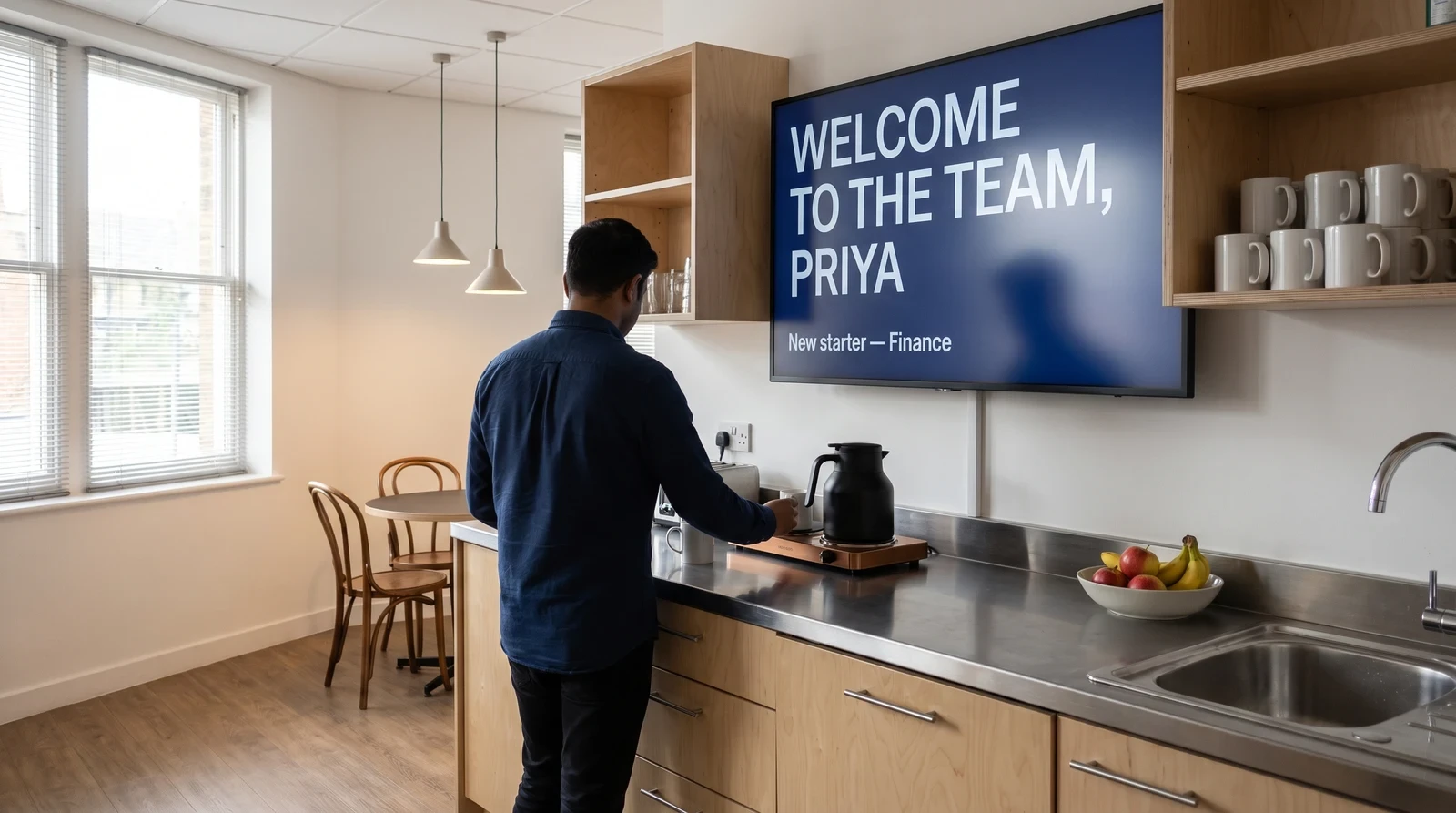
Office screen management without chaos
Fugo is designed for IT administrators, internal comms teams, and office managers who need to keep screens current without constant manual effort.
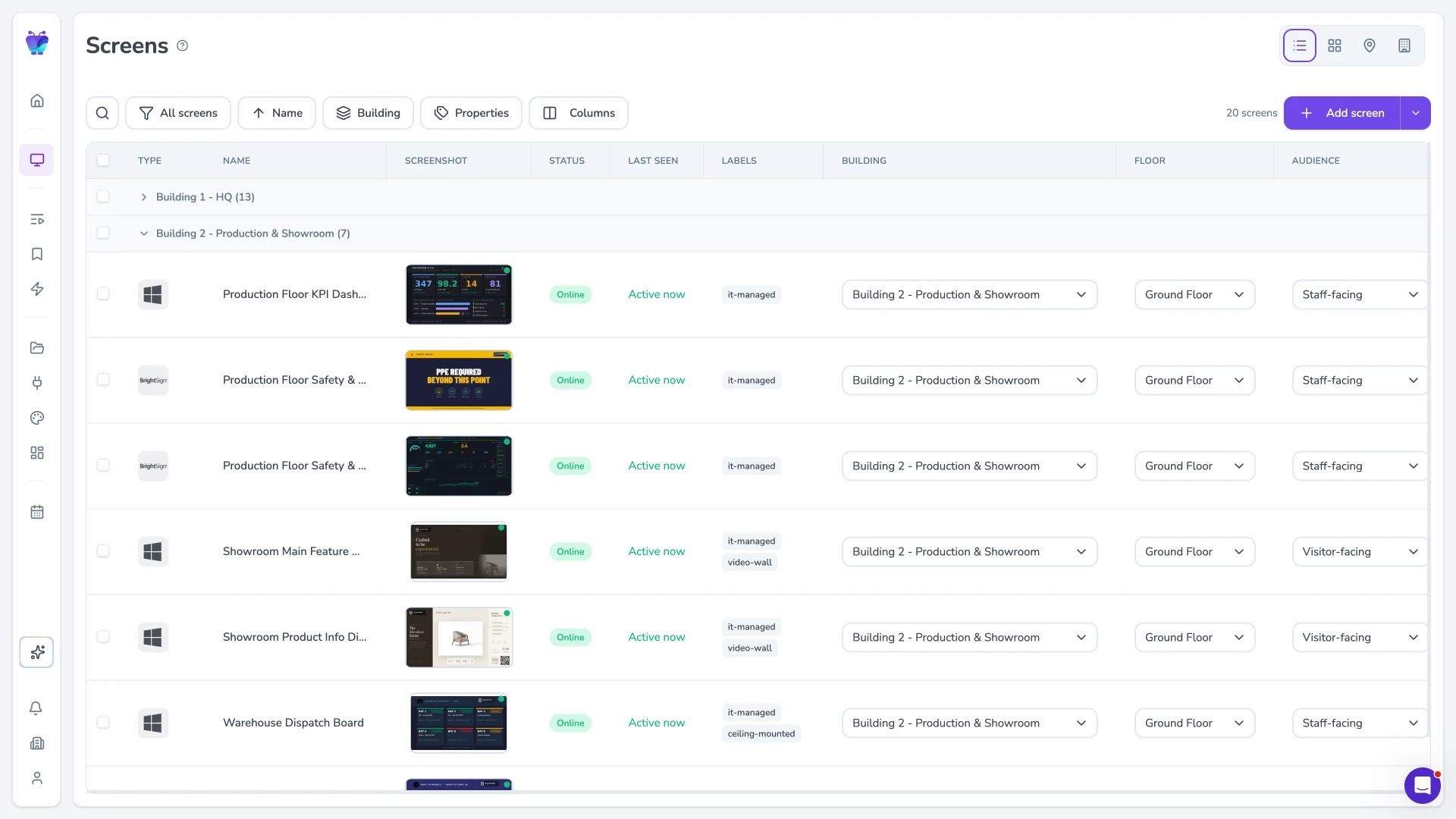
Roles and permissions that match teams
Manage screens across every office in your portfolio from a single dashboard. Assign content to individual offices, regions, or your entire global network simultaneously. Local office managers get their own access to update location-specific content without affecting company-wide broadcasts.
- Global and regional content streams
- Office-level content overrides
- Bulk schedule updates across locations
- Per-office screen health monitoring
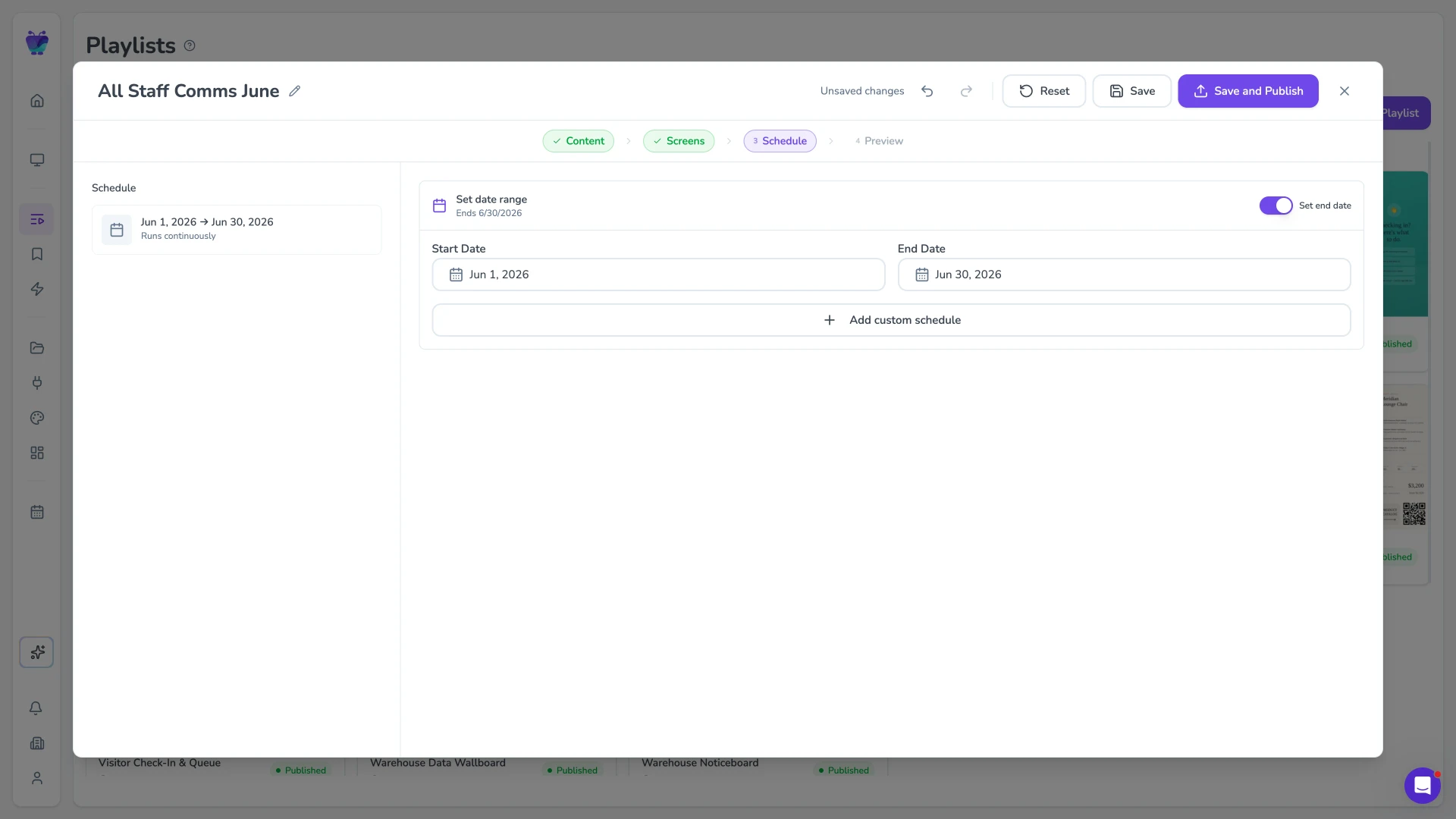
Scheduling for recurring communications
Connect Fugo to the data tools your teams already use. Display live Power BI reports, Salesforce dashboards, Google Sheets, and more on office screens without any manual screenshot or export process. When the underlying data updates, the screen updates automatically.
- Native Power BI and Tableau embedding
- Salesforce dashboard display
- Google Sheets live data widgets
- Custom URL and iframe support
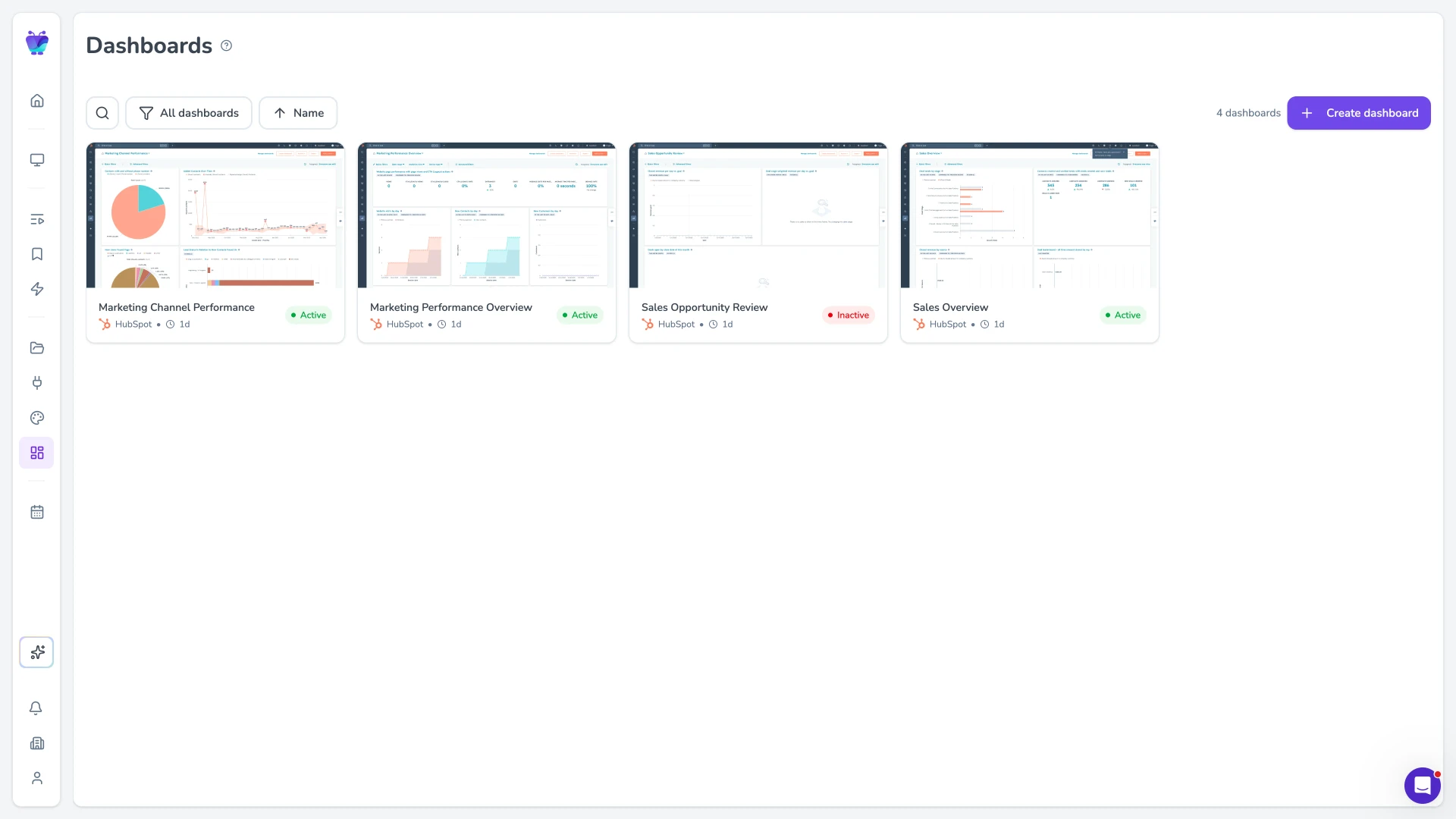
Dashboard and app playback
Sync Fugo with Google Calendar or Microsoft 365 to power real-time meeting room displays. Screens outside each room automatically show the current booking, the next meeting, and a room availability indicator, pulling live data from your organisation's calendar without any manual updates.
- Google Calendar and Microsoft 365 sync
- Real-time room availability status
- Upcoming booking preview
- Custom branding for room panels
The tools your office runs on, now on every screen
Fugo connects to the productivity, calendar, and content tools your teams already use, so office screens stay current without manual intervention.
Google slides
Business
Google Slides
PosterMyWall
Business
PosterMyWall

Canto
Business
Sync Canto collections to screens for dynamic, auto-updating displays
Google drive
Business
Google Drive
Fugo social wall
Social
Create a custom live social media wall for your screens!

Walls.io
Social
Walls.io
QR code
Business
QR Code

YouTube
Featured
YouTube App
Office digital signage FAQs
Everything you need to know before deploying digital signage across your office locations.